Login with Token Gating
This is a step-by-step guide on how to login and use the ReitCircles portal to store your Real Estate Assets on-chain, which is stored using the Arweave blockchain.
Step 1: Visit the Portal
Visit ReitCircles Portal, agree to the terms and privacy policy, then use either your Nami or Eternl wallet to register.
Recommended browsers to use for the portal are Brave, Chrome or Microsoft Edge
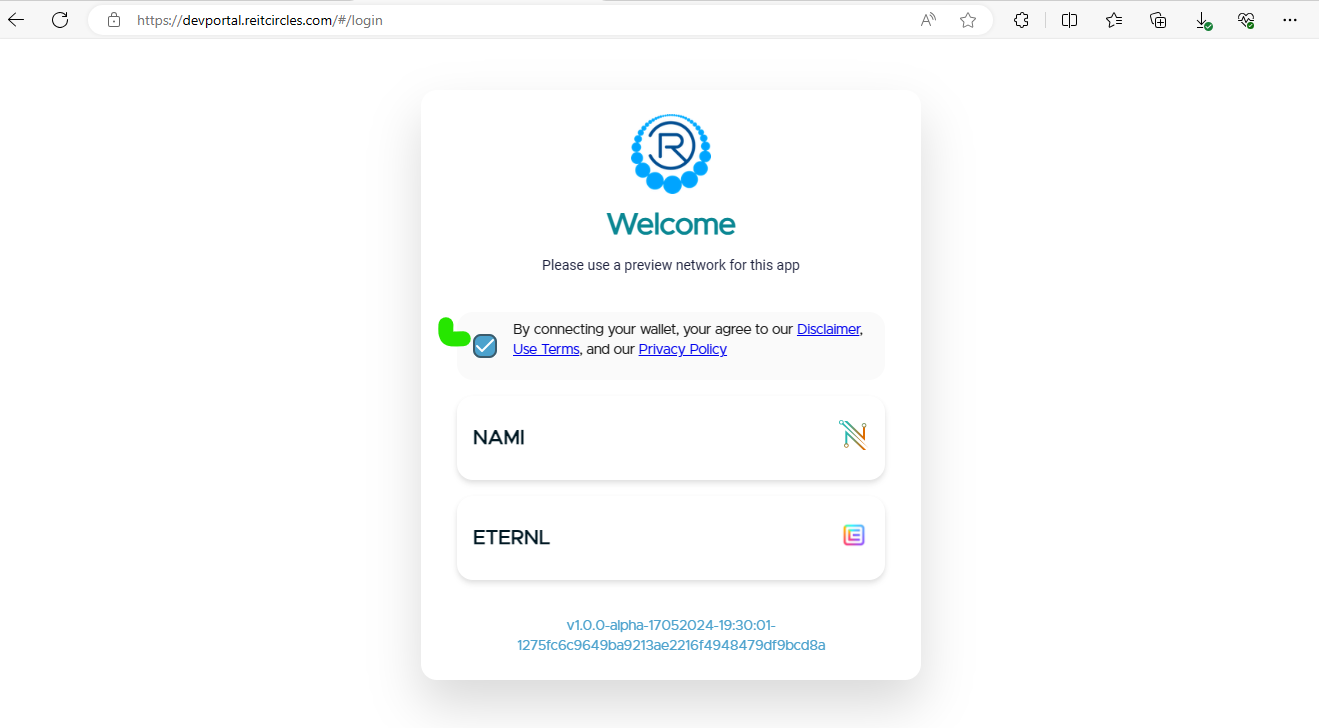
New to Crypto? Watch this video to learn about Cryptocurrency wallets and this on how to create one.
Step 2: Registering with Eternl Wallet
If you choose to use Eternl and click on it, the Eternl wallet window pops up (if you have installed the extension and connected it to your browser). Click on Grant Access to continue the registration:

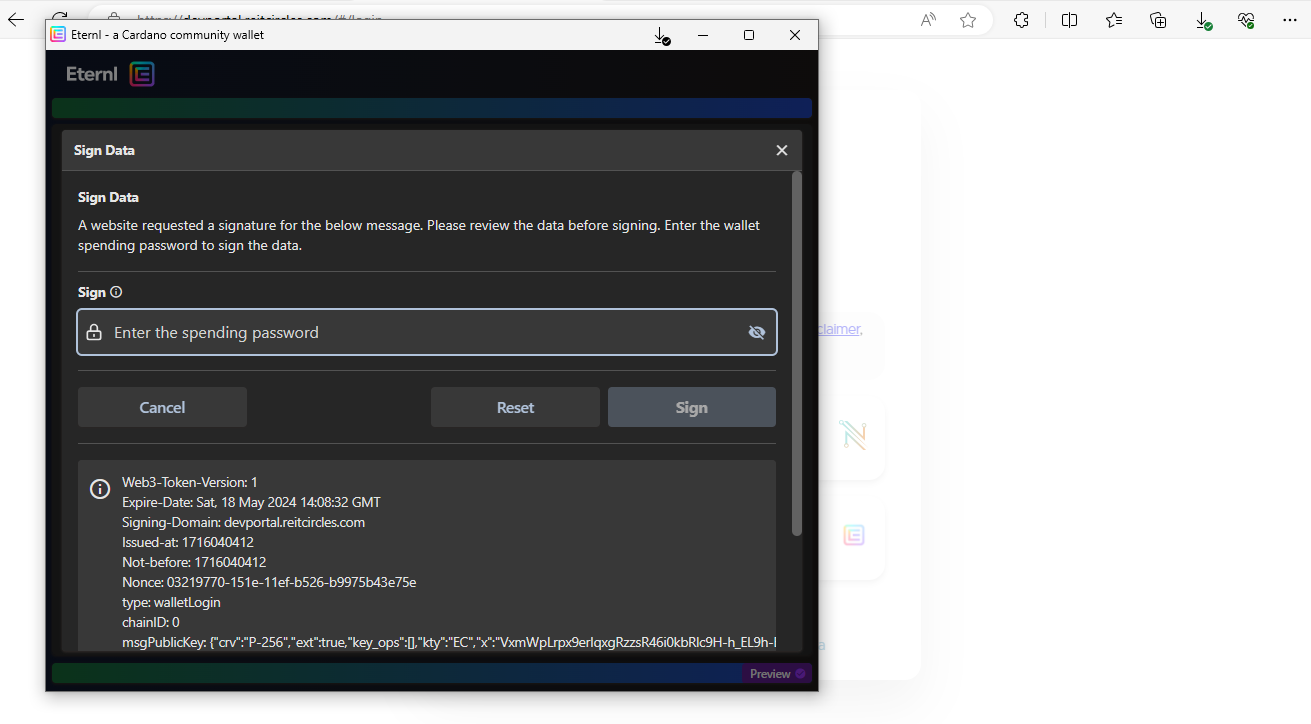
Step 3: Sign the Data
Eternl will then open a window, asking you to sign the data, approving the connection of your wallet to ReitCircles. Enter your Eternl password and click on Sign to continue.
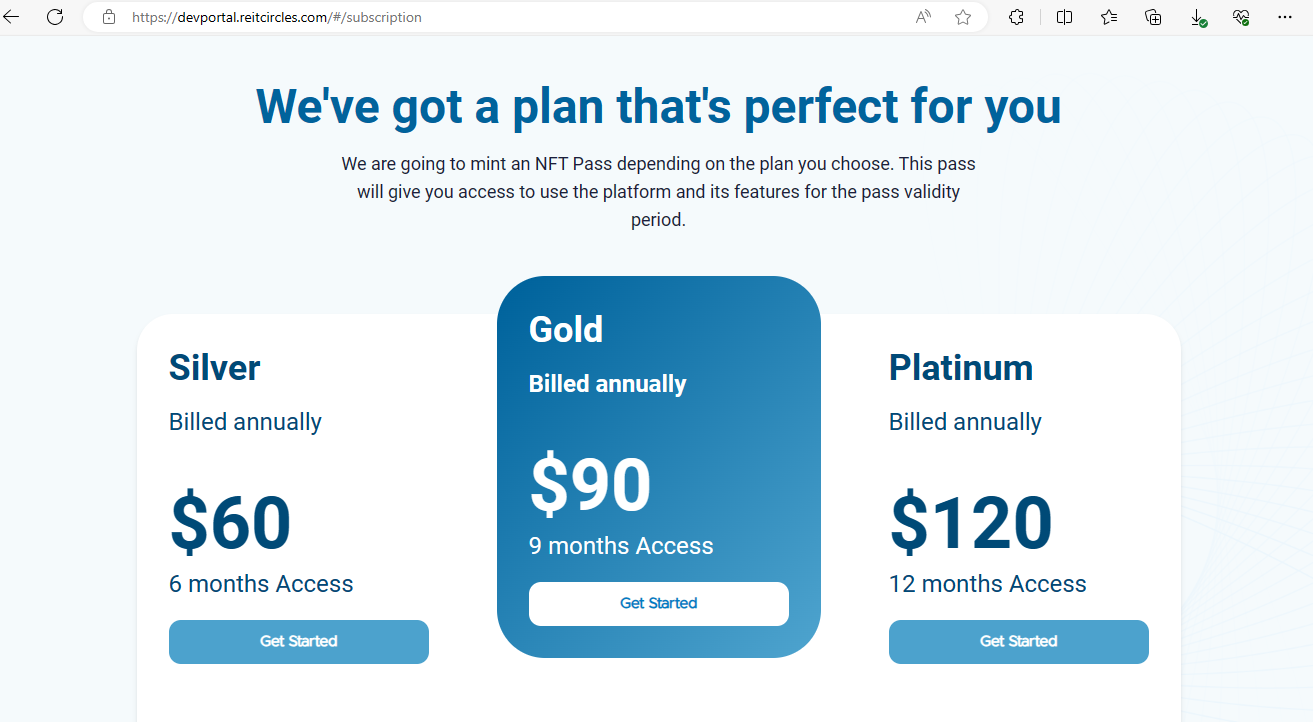
Step 4: Choose a Subscription Plan
After signing and connecting your Eternl wallet, you will need to choose a subscription plan on ReitCircles. This will mint an NFT which will be deposited in your wallet, giving you access to use the ReitCircles portal.
Step 5: Pay the Subscription Fee
Based on the subscription plan you choose, you will be asked to pay an amount of ADA from your connected wallet. For example, if you choose the Gold plan, it costs 189 ADA as shown below:

Click on "Confirm" to continue. This will open the Eternl wallet window in your browser and require you to enter your password to sign the transaction.
Step 6: Transaction Successful
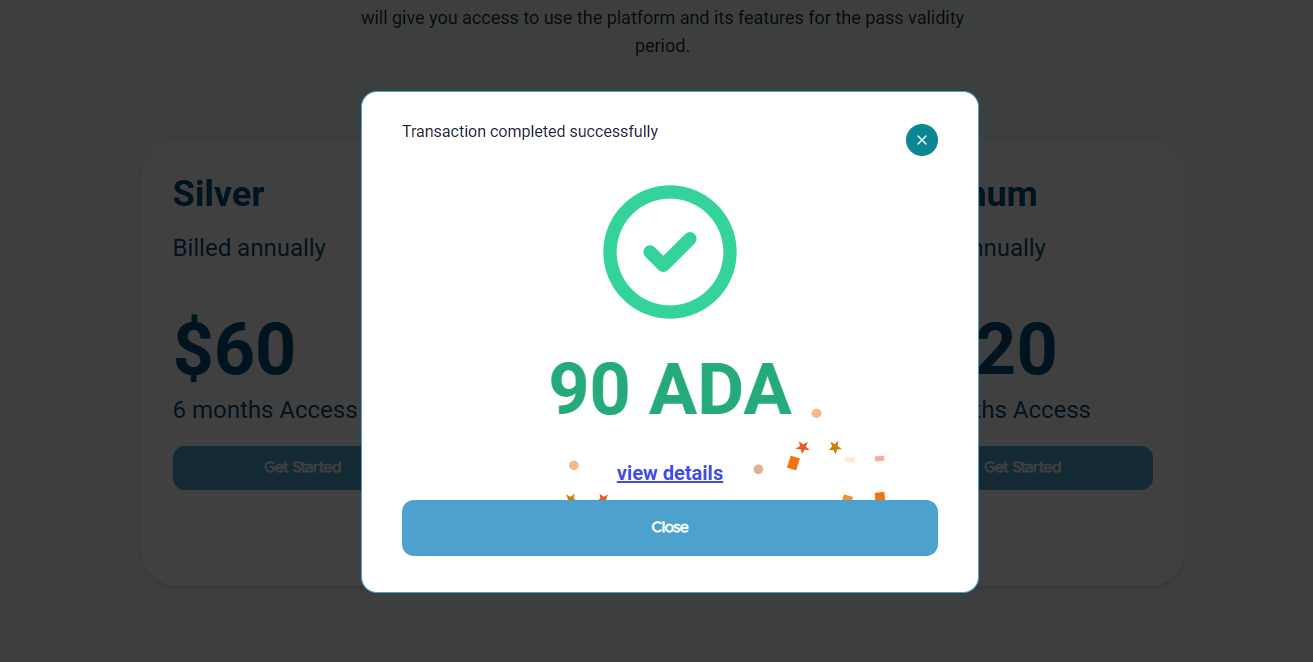
When the transaction is successful and your NFT token needed to access the portal has been minted, the Transaction Successful window will be displayed, with a pop-up of the minting at the top right of your screen.
Email and KYC verification
Now you can log in to the ReitCircles portal and begin your KYC process, and then add a project. You will receive a role token in your wallet.
Email verification is an important step in the KYC process. After you enter your email address, you will receive an email from ReitCircles like the one shown below:

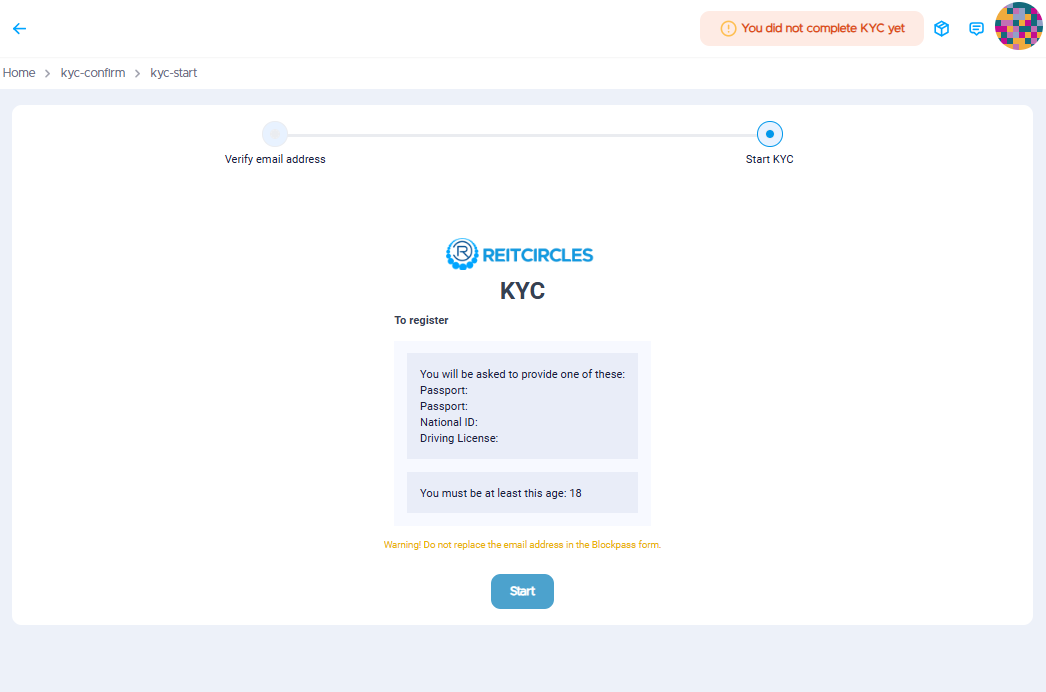
Click on the link to verify your email. If successful, you will be redirected to the following page:

After verifying your email, next step of the KYC process is to verify your Identity. You will need a Passport, National ID, or Driving License, and you must be 18 years of age or older.